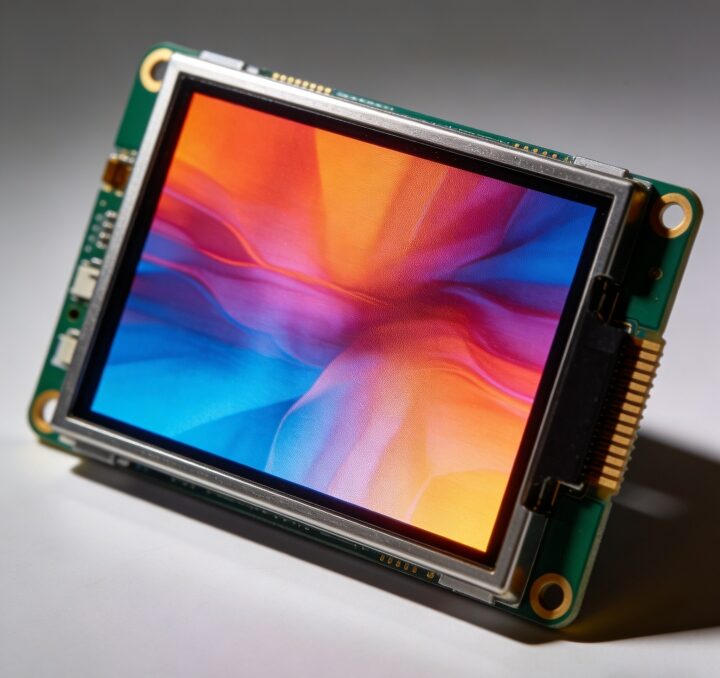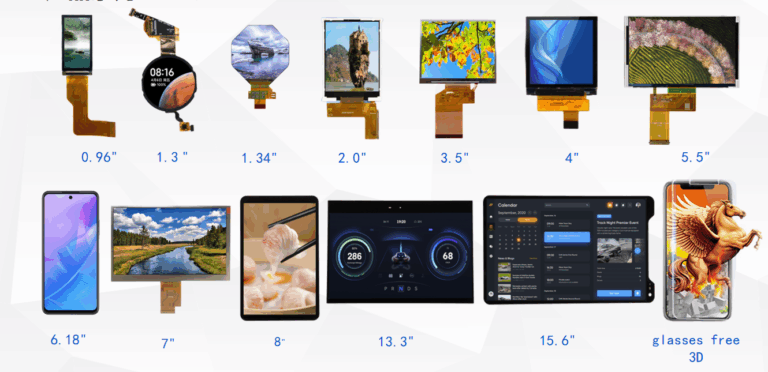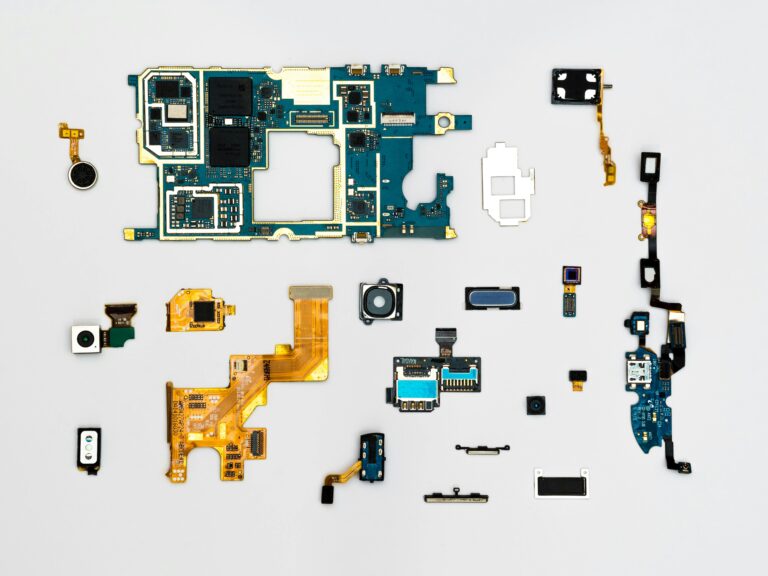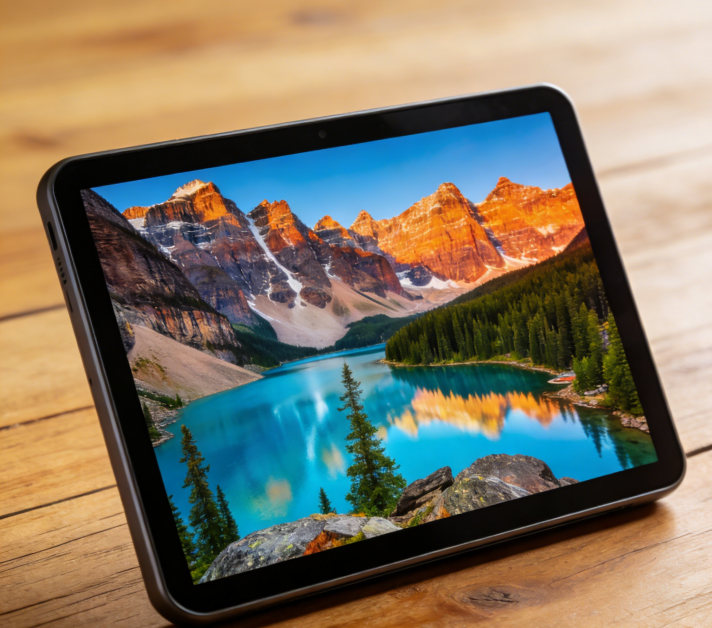


And with so many different types of monitors out today, learning the ins and outs of each is going to make all the difference between a screen that “just works” and one that actually elevates your experience.
The following article will further describe leading monitor technologies like TN, STN, TFT, IPS, PMOLED, and AMOLED, explain how those technologies work, and when to use them.
LCD Technology Basics
Most monitors in use today are variants of the original LCDs, or Liquid Crystal Displays. LCD panels are filled with liquid crystal molecules, and when voltage is passed through, these molecules twist to block light or allow it to pass through to create each pixel. While the core mechanism is similar, different structural designs-TN, STN, TFT, and IPS-create very different visual outcomes.
1. TN monitors
TN is among the oldest and most common LCD types.
The material works by twisting liquid crystals 90 degrees when no voltage is applied to the material, thereby allowing light to pass through. When voltage is applied, the crystals straighten, thus blocking light and forming images due to rapid switching.
Why TN monitors?
- Very fast response times
- Cost-effective manufacturing price.
- Great for everyday office use and competitive gaming.
- TN displays usually suffer from:
- Poor color accuracy
- Narrower view angles
If you are on a very tight budget or need a monitor for low-end systems and industrial machinery, TN technology will be up to the task.
2. STN Displays (Super Twisted Nematic)
STN-panels developed from TN-technology using a greater twist angle-up to 270 degrees. With the help of this twist, it became possible to achieve greater contrast and lower power consumption.
Why STN Monitors?
- Reduced energy consumption
- Suited for simple devices, such as calculators, instruments, and portable electronics.
- Good visibility under outdoor or bright-light conditions.
They are unsuitable for applications requiring rich color or fast motion for the following reasons:
- Their refresh rates are slow.
- The colours appear less true.
At present, STN monitors are more normally employed in embedded or industrial applications rather than PCs.
3. TFT Monitors (Thin-Film Transistor)
TFT overcame many of the shortcomings of early LCD displays because a transistor added to control each pixel individually offers faster switching, better colors, and thus better images compared with TN or STN.
Why TFT monitors?
- Sharper images with clearer colors
- More direct control over the pixels
- It is appropriate for general computing, digital signage, and multimedia usage.
This is due to the effective balance between quality and affordability, since TFT has remained to date one of the widely used technologies. Most Easy Quick monitor lines are made on an advanced version of a TFT design that offers reliable display systems in office, commercial, and industrial setups.
4. IPS Monitors
In contrast to vertically twisting liquid crystals, IPS technology shifts them horizontally, which is in-plane, hence bringing about significant improvements in color and viewing angles.
Why IPS Monitors?
- Extremely accurate color reproduction
- Distortion-free Wide Viewing Angles
- Great for designers, editors, and professional visual work.
Yes, the IPS monitors are more expensive than the TN or basic TFT displays, but they show. This is the standard on which creative professionals commonly work.

5. Passive Matrix OLED Monitors
Away from the LCD technology, PMOLED uses organic compounds that are capable of emitting lights individually, dispensing with backlighting in its entirety. In passive-matrix design, rows and columns of electrodes control pixels without the use of individual transistor circuits for each pixel.
Why PMOLED monitors?
- Excellent contrast with true blacks
- Thin and lightweight structure
- Perfectly suitable for wearables, indicators, and other compact electronics.
However, PMOLED is not suitable for large monitors because:
- Power consumption rises with the size of the screen.
- Lifespan is decreased when displaying bright or static content
- Thus, PMOLED remains a tough choice only for small-sized displays.
6. Active-Matrix Organic Light Emitting Diode monitors – AMOLED
Then, the AMOLED added thin-film transistors to actively operate each pixel in the PMOLED display technology, attaining further improvement with respect to its performance and speed. Each of these pixels emits its light; for this reason, it has very deep blacks and rich colors.
Why AMOLED monitors?
- High contrast with perfect black levels
- Brilliant colors for high-end graphics and displays.
- Very fast refresh and response times
- Works well for large and small screens.
Other applications for AMOLED include premium devices, high-end monitors, and professional visual environments. Certain products with advanced specifications provided by Easy Quick integrate AMOLED modules that target users needing the most up-to-date imaging quality.
How to Choose the Right Type of Monitor
Base your selection on real use:
- Office work or budget setups → TN or basic TFT
- Colour-sensitive tasks → IPS
- Industrial or Embedded Equipment STN or TFT
- High-end visuals or entertainment – AMOLED
- Small wearable or compact screens → PMOLED
Suppliers like Easy Quick often offer multiple types of panels in their product lines so that a user is able to match up longevity and image quality with cost to a particular environment.
Conclusion
The understanding of exactly how TN, STN, TFT, IPS, PMOLED, and AMOLED monitors work will help you choose just the right display to suit your needs, budget, and expectations. Each of these technologies has different strengths-from the fast response of TN and the accurate colors of IPS to the exceptional contrast of AMOLED.
Although there are different modern variants for each of the reviewed display technologies, Easy Quick is still a trustworthy partner for users seeking quality screens for various applications.