
Choosing between a capacitive and resistive touch screen is a common decision in product development. The right choice directly affects user experience, durability, and overall system performance. While both technologies are widely used, they serve very different purposes depending on the application environment.
This guide breaks down capacitive vs resistive touch screen in a practical way, helping you decide which solution fits your project rather than just comparing specifications.
Understanding Capacitive vs Resistive Touch Screen Technologies
Before comparing performance, it’s important to understand how each technology works in real applications.
Capacitive Touch Screen Technology
Capacitive touch screens detect input through the electrical properties of the human body. When a finger touches the surface, it changes the electrostatic field, allowing precise location tracking.
Typical characteristics:
- Supports multi-touch (up to 5–10 points)
- High light transmission: 85–90%
- Cover glass thickness: typically 7–1.1 mm
This type of screen is widely used in smartphones and modern HMI systems where smooth interaction is required.
Resistive Touch Screen Technology
Resistive touch screens rely on pressure. When the top layer is pressed, it contacts the conductive layer beneath, registering the touch point.
Typical characteristics:
- Usually single-touch
- Light transmission: around 75–85%
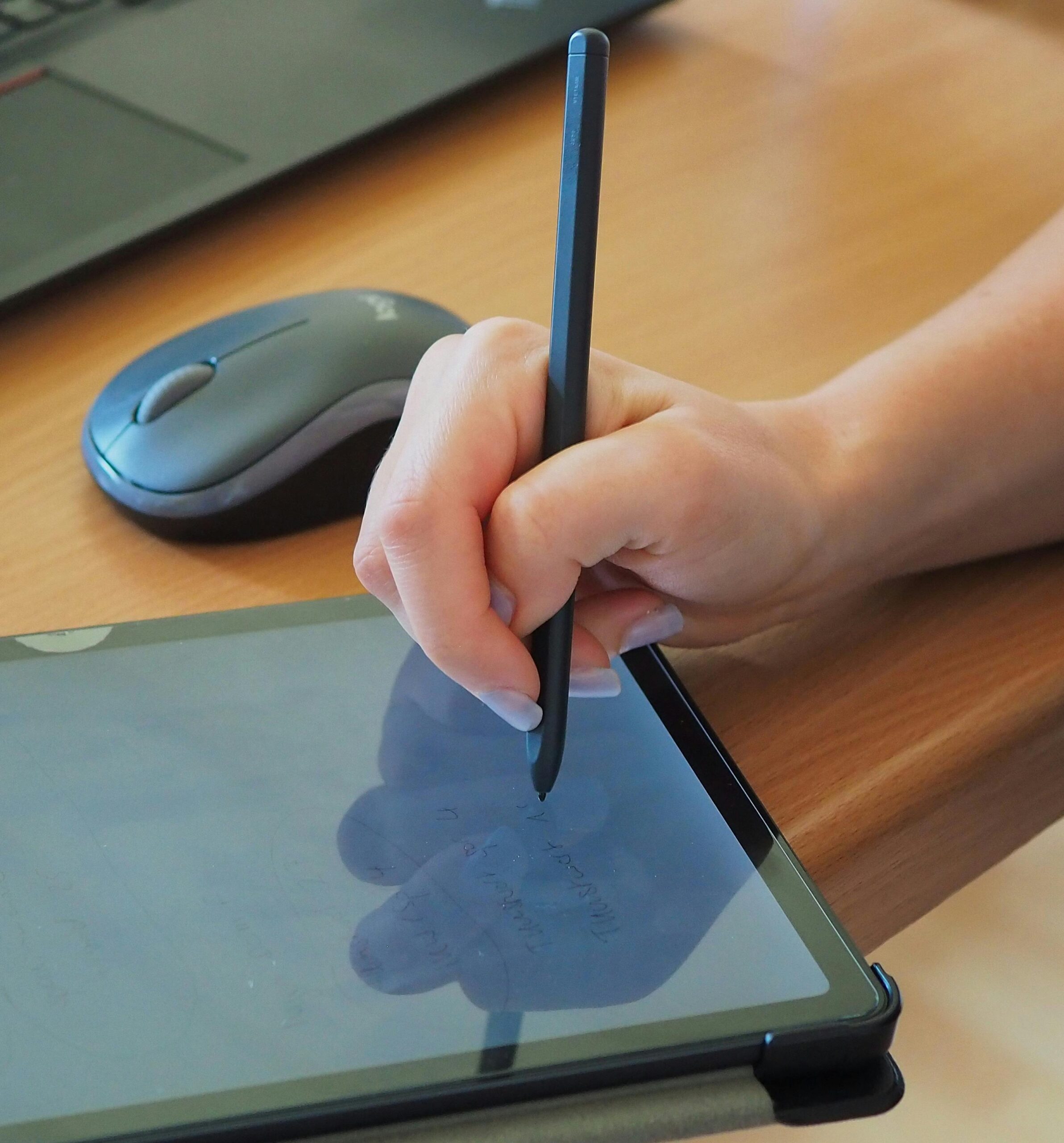
- Can be activated with finger, glove, or stylus
Resistive screens are commonly used in industrial and medical environments where precision input and reliability matter more than visual effects.
Key Differences in Capacitive vs Resistive Touch Screen Performance
When evaluating capacitive vs resistive touch screen options, performance differences become more apparent in real-world usage.
Sensitivity and User Experience
- Capacitive screens respond to light touches and gestures, offering a smoother experience
- Resistive screens require physical pressure, which may feel less responsive
In applications where user interaction is frequent, capacitive technology clearly performs better.
Durability and Lifespan
- Capacitive screens typically last over 100 million touches
- Resistive screens usually support 1–5 million touches
However, resistive screens can be more resistant to dust and liquid interference in harsh environments.
Environmental Adaptability
- Capacitive: sensitive to water and may require tuning
- Resistive: works reliably in environments with dust, moisture, or oil
This is why resistive touch is still widely used in factory equipment and outdoor control panels.
How to Choose Between Capacitive vs Resistive Touch Screen
Selecting the right solution depends on how and where the device will be used. There is no one-size-fits-all answer.
Choose Capacitive Touch Screen If:
- Your product requires modern UI and gesture control
- Users interact frequently with the screen
- Visual clarity and brightness are important
- Typical applications:
- Consumer electronics
- Smart home devices
- Advanced HMI dashboards
Choose Resistive Touch Screen If:
- The device is used with gloves or stylus
- The environment includes dust, water, or chemicals
- Cost sensitivity is a concern
- Typical applications:
- Industrial control systems
- Medical equipment
- Outdoor terminals
In many industrial projects, resistive touch remains a practical choice due to its stability and lower cost.
Application Scenarios for Capacitive vs Resistive Touch Screen
Understanding real-world usage helps clarify the differences further.
Industrial and HMI Systems
Resistive touch screens are often preferred because they can operate reliably under -20°C to +70°C conditions and tolerate rough handling.
Consumer and Smart Devices
Capacitive screens dominate due to their responsiveness and ability to support intuitive gestures like pinch-to-zoom.
Hybrid Requirements
Some projects require both durability and user experience. In such cases, customized capacitive solutions with glove support or waterproof tuning can be considered, although this may increase cost by 10–30%.
Conclusion
The choice between capacitive vs resistive touch screen depends largely on your application requirements rather than which technology is “better.” Capacitive touch screens offer superior user experience and visual performance, while resistive touch screens provide reliability in demanding environments.
By evaluating factors such as interaction method, environment, and cost, you can select the most suitable solution for your product and avoid unnecessary redesigns later in development.
Not sure which touch screen fits your application? Our team provides both capacitive and resistive touch solutions, including customization for industrial and HMI projects. Contact us to get technical recommendations, specifications, and sample support tailored to your needs.